
Tech Support

List of Services

Manuals:


Resistive Sensors with Reversed Ohm settings:

  • The iSeries can now accommodate all types of resistive sensors (up to 2 per panel). If you have a resistive sensor with the Low ohm setting for the full level and the High ohm setting for Empty (ie. 0-240 where 0 is Full and 240 is Empty) then click here for the modified calibration instructions for those sensors. If your sensor has the Low ohm setting for Empty and the High ohm setting for Full then use the calibration instructions laid out in the manual.

Video Instructions:

iSeries Wiring Harness with Diode Modification:

If you would like to have 2 iSeries panels that read the same sensors (ie. you want to set a panel in a different area for reading when you are filling or emptying your tanks) you will need a diode modified wiring harness for each panel. This diode harness will prevent voltage back feeding into the other panel when it is checking the tanks.


This modified harness is used if you have multiple panels going to the same sensors.


iSeries Wiring Harness with Diode Modification:

If you only have 1 wire from the panel to each tank currently. You can also use this modified harness if you have a current wiring set-up that only has 1 wire from each tank back to the panel and you can't run an additional wire. Please call tech-support prior to purchasing this harness to discuss set-up for this method and see if it will meet your needs.


Pricing is $25 per wiring harness to modify them on an existing order, or $35 if you are ordering it by itself.
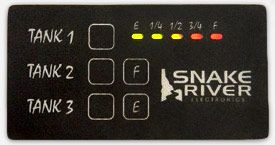
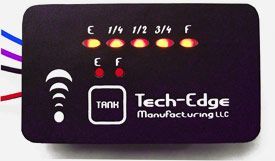
703 – Smart 3 Tank Monitor

  • 703-Smart 3 Tank LED Monitor Panel Installation Guide and Owners Manual
  • 10 Volt Inline Regulator Adapter Data Sheet
  • Wiring harness color instructions for the 703 Smart 3 Tank Monitor
  • If you have this monitor and are noticing that the LED indicator levels are changing when your input voltage changes, then we have a solution for you. The older designed panels were not designed with a voltage regulator at the voltage input. We now have an inline 10 volt regulator that we can send you to adapt your system to this regulation. Please give us a call at (541) 610-0401 or order it online through the order page under Order Products. It is called "10 Volt Inline Regulator Adapter. Shipping will only be a couple of dollars if you select to have it sent via US Mail First Class. After you have installed this regulator, you will need to recalibrate your panel.
  • $18 - 10 Volt Inline Regulator Adapter - to regulate the input voltage to 10 volts on the older style boards (Smart Mini & 703 Smart 3 Tank). If you are adding this after your system is already set-up, you will need to recalibrate your panel. If you have purchased your system within the last year, please call us at (541) 610-0401 to verify purchase date and there will be no charge for this adapter.

Smart Mini

  • Smart Mini Installation Guide and Owners Manual
  • 10 Volt Inline Regulator Adapter Data Sheet
  • If you have this monitor and are noticing that the LED indicator levels are changing when your input voltage changes, then we have a solution for you. The older designed panels were not designed with a voltage regulator at the voltage input. We now have an inline 10 volt regulator that we can send you to adapt your system to this regulation. Please give us a call at (541) 610-0401 or order it online through the order page under Order Products. It is called "10 Volt Inline Regulator Adapter. Shipping will only be a couple of dollars if you select to have it sent via US Mail First Class. After you have installed this regulator, you will need to recalibrate your panel.
  • $18 - 10 Volt Inline Regulator Adapter - to regulate the input voltage to 10 volts on the older style boards (Smart Mini & 703 Smart 3 Tank). If you are adding this after your system is already set-up, you will need to recalibrate your panel. If you have purchased your system within the last year, please call us at (541) 610-0401 to verify purchase date and there will be no charge for this adapter.

Ultra 8

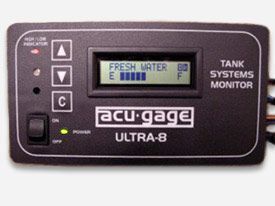
The Ultra 8 has been phased out. We are still supporting it with repairs and reprogramming but suggest that if you need a replacement panel, to upgrade to the iSeries system. It is the same size as the Ultra 8 and can even use the same wiring harness if you don’t want to swap out the wires. The wire colors are different but the layout is the same.


If you want to upgrade to the iSeries but want to keep your same wiring harness, please select the iSeries panel - Ultra 8 upgrade option. This will come with a small modification to the power switch so you don't have to change out your wiring harness. It will not come with a new wiring harness. You will need to program the iSeries in the same tank layout as the Ultra 8 so the wires will be going to the correct tanks. If you do not know what your current Ultra 8 tank layout is, and it was an original OEM install, we may be able to find that information for you if you give us a call at (541) 610-0401.


Sometimes the LCD display will go out on the older Ultra 8 systems. If the system seems to function properly you are just getting odd characters on the display, you can send your panel in to have the LCD replaced for $40. We will do a full testing for no extra charge to make sure there are no other issues.


HUNTER ordered Ultra 8 systems with their own custom wiring colors. If you have a Hunter Ultra 8 system, click on the link below to see how those colors correspond with our Ultra 8 system as well as our upgraded iSeries panel.

Tanks with "Step Out" or "Ledge" Modification

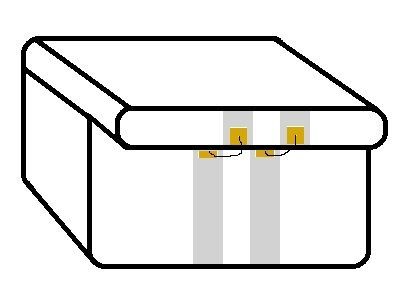
If you have a tank with a "step-out" or "ledge" like the one pictured, and the ledge is on the side that you want to install the external MODA sensor, then you will need to have a Copper Wire Jumper Kit sent to you. These are $10 per tank and you will need to specify how long the wires need to be for this kit. It is better to be just a bit long, then a bit short. Click here for the data sheet on how this Jumper Kit needs to be installed.


Exterior MODA Sensor

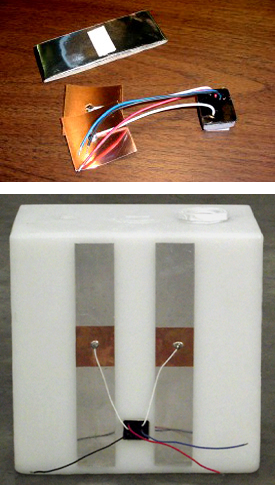
Due to its non-invasive nature, the MODA sensor module is simple to install. It is installed by applying 2 vertical strips of aluminum tape to the side of the tank, then sticking the MODA copper patches over them. Installation is completed by sticking the module itself to the tank then extending its wires to the display. Click here to find out how our sensors work.

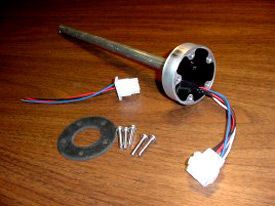
Custom Made Aluminum Diesel Fuel Sensor Rods

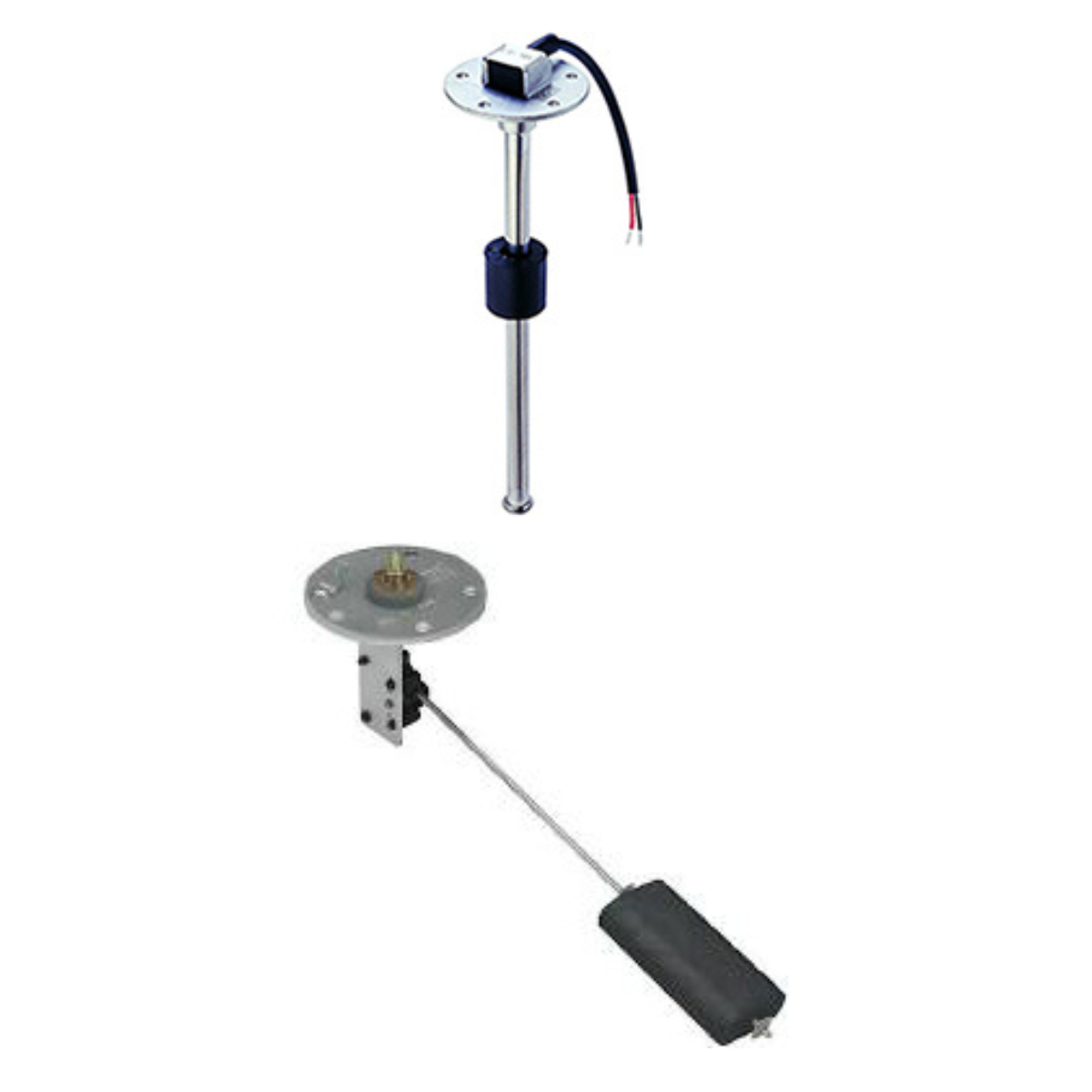
Resistive Sensors

  • If you have resistive sensors that you would like to add to the iSeries system, you can add up to 2 per panel. (ie. WEMA sensors, etc.) These resistive sensors can be installed onto tanks 7 & 8 only. Sensors that have the Low ohm setting for Empty and High Ohm setting for full can use the standard calibration directions in the manual. (ie. 0-240 where 0 is Empty and 240 is full)
  • If you have a resistive sensor where the settings are opposite (ie. 0-240 where 0 is Full and 240 is Empty, like is standard on most WEMA sensors) then click here for modified calibration instructions on those sensors.

Troubleshooting for Testing Panels and Sensors

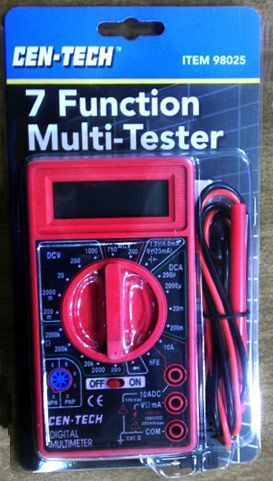
  • Most troubleshooting needs to be done using a volt meter. If you do not have one, you can get them at any electronics shop or order one on our order page.

Older 102 - 3 and 4 Tank Monitors with Dial Pot Calibration.
(These panels are no longer available.)

These panels could have the names 102 by Snake River, Geckotec or possibly Larson Electronics.

We do have replacement circuit boards for these panels. They are $75 each. They have the upgraded calibration like the below circuit boards but fit behind the same faceplate. You can order them on the order page under "Accessories and Repair Parts" at the bottom. Please specify in the comments box if you need a wire that runs to the LED's for the switches pre- soldered into the board.


3 Tank with or w/o LPG = Smart3TLP-PCB — This circuit board will only have 9 silver finger connections on the circuit board for the wiring harness connector.


4 Tank without LP only = Smart4T-PCB — This circuit board will have 12 silver finger connections on the circuit board for the wiring harness connector.  

Smart 102 - 3 and 4 Tank with Push Button Calibration

These panels could have the names 102 by Snake River, Geckotec, Diamond or Tech-Edge.

We do have replacement circuit boards for these panels. They are $75 each. You can order them on the order page under "Accessories and Repair Parts" at the bottom. Please specify in the comments box if you need a wire that runs to the LED's for the switches pre- soldered into the board.


3 Tank with or w/o LPG = Smart3TLP-PCB — This circuit board will only have 9 silver finger connections on the circuit board for the wiring harness connector.


4 Tank without LP only = Smart4T-PCB — This circuit board will have 12 silver finger connections on the circuit board for the wiring harness connector.


Nautical 21

No longer available

The Nautical 21 was discontinued several years ago. We did not get any information other than the below manual on how to fix this board. The Ultra 8 was an upgrade to this panel and the iSeries is an upgrade to the Ultra 8. If you have this panel, you can swap it out for the iSeries and still use the sensors on your tanks as long as they are still good. If you do not know if you sensors are good, please see the Exterior Moda Sensor testing procedures above.

Older ECP Larson Electronics Panel

The ECP system was originally built by Larson Electronics as a replacement for the KIB systems that are so common in the current coaches even now. It can come in either Black or White. It used the standard drill in the wall tank probes that would have problems with buildup just as the KIB systems still do. This was discontinued many years ago as it was determined that these particular in tank probes just didn’t accomplish the task of reading the tank level with accuracy that was needed. We do not support this system any longer and only have the original link to the Manual below. If you need to find probes or a replacement panel and want to keep this system, you might be able to get what you need from KIB. They are available at most RV repair shops.

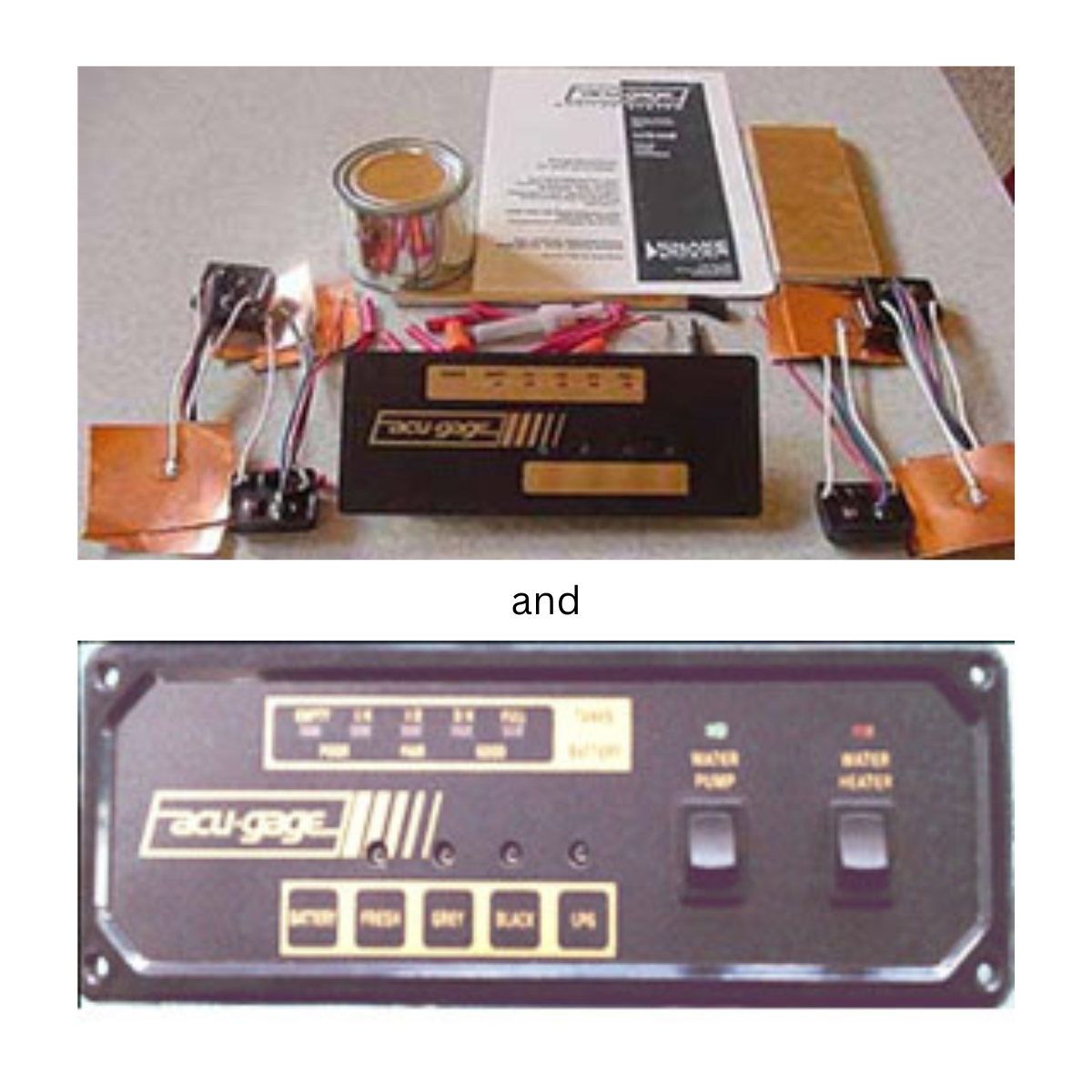
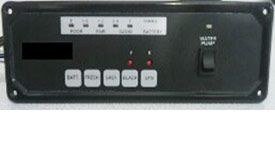
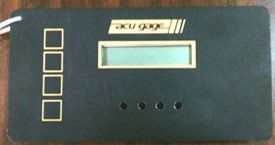
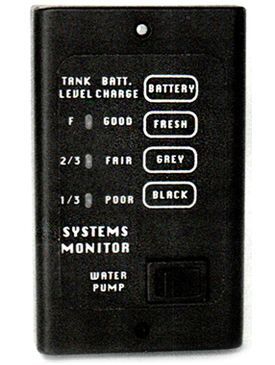
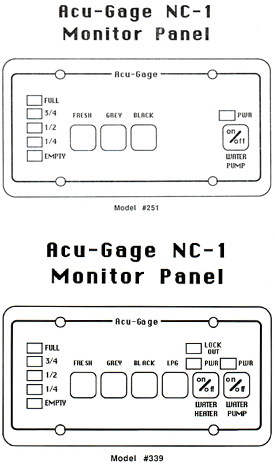
Older Acu-Gauge NC-1 Larson Electronics Panel

The NC-1 Acu-Gauge system was the original Larson system that used completely external sensors. It still measured at specific points of the tank unlike our current systems that measure the whole height of the tank. This system is no longer supported but is easier to update to our newer systems as it already has 2 wires going from each tank up to the panel. You can swap out the sensors on the tanks and swap out the panel for a current system as long as the wiring you have run is still in good shape. The only other information we have on these systems is in the below links.

Bilge Buddy

Snake River Electronics made a product at one time called the Bilge Buddy. This product is no longer made or supported as we didn't get information on that product. The only information we have is the manual linked below.

For those of you who have Larson Electronics panels that are older than 1996 and are not shown here please read the below note.

Back in 1996, the whole tank monitoring system was revamped. The way the signal was sent to the panel was changed to get rid of some bugs. Because of that, nothing before 1996 is compatible with anything after 1996. The company has also changed hands 4 times since then and none of the information regarding those old panels made it to us.


That being said, if you have a panel that is older than 1996 but looks similar to one of the ones above, we have come across some anomalies that don't fit the pattern and we are able to help. The best way for us to know for sure is for you to send a picture of the front and back of the panel and the circuit board. We can then determine what we can do to help your situation out. Please send the pictures with your contact information to techsupport@tech-edge.com.


If we cannot replace or fix your panel, we can discuss ways that we might be able to work with what you have to get a new system into place. We suggest watching the Features and Benefits of the iSeries panel video to see what you can upgrade to.


Thank you, Tech-Edge Manufacturing LLC